Newforma Connector Service NCS – Contractor Setup
1 minute
12 months ago
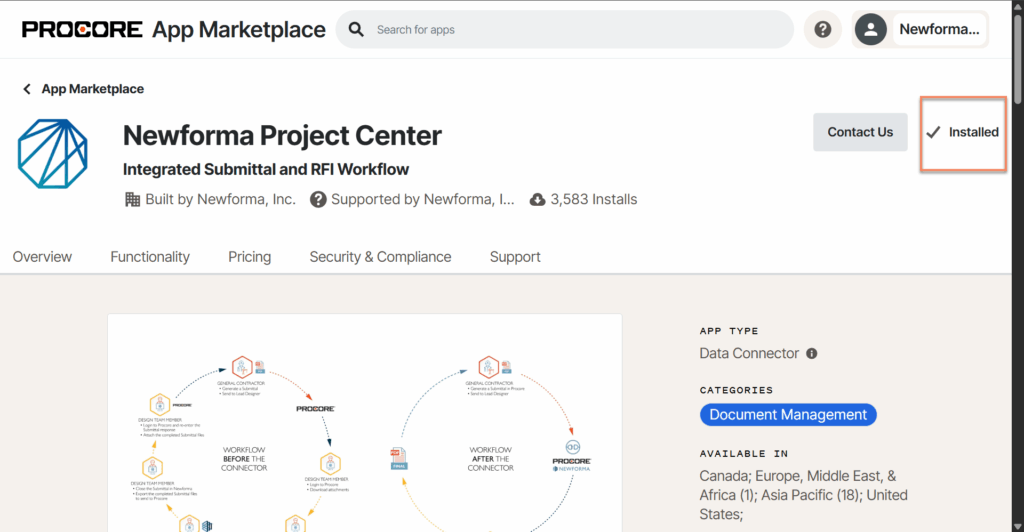
Install the Newforma Project Center App in your Procore account
NOTE – starting with release 1.2.0.4461, any unsupported characters that are used in file names coming from Procore, will be removed and converted to a blank space.
To receive the Procore RFIs and Submittals, a Procore administrator must install the Newforma Project Center App in Procore from the Marketplace.
- Log in to Procore.
- Select your preferred company.
- On the Procore company list page, click Select an App in the top corner, and then click Marketplace.
- Select a company and continue.
- Search or scroll down to look for the Newforma Project Center app.
- On the Newforma Project Center page, click Install.