

Reopened Contract Page
1 minute
2 years ago
Reopened Contract Page
Use this page to view information about a closed contract that has been reopened.
To view and close a contract item, you must be a member of a Permission Set that allows you to access all contracts.
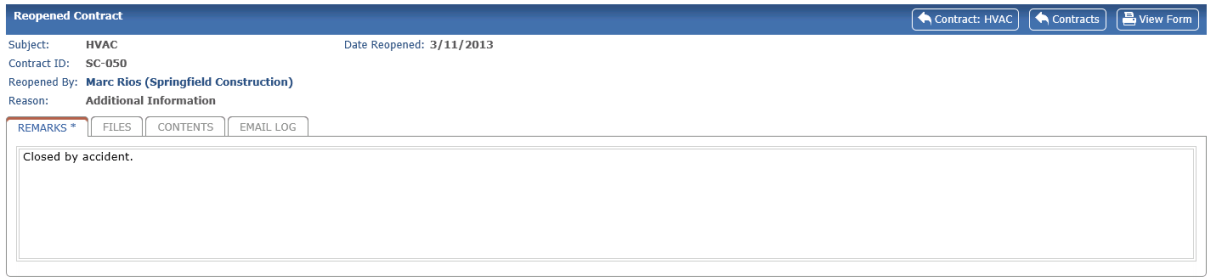
Subject
The subject of the contract item.
Date Reopened
The date the contract was reopened.
Contract ID
The contract’s ID number.
Reopened By
The project team member who reopened the contract item.
Reason
The action selected to reopen the contract item.
Files tab
Files associated with the action to reopen the contract.
Contract

Click to return the original contract.
Contracts

Click to return to the Contracts Log.
View Form

Click to open a printable version of this page.
To access this page
From a contract in the Contract Log page, click the Workflow tab, then click the Action link for a reopened contract item.